NOVEMBER
Voice-first autonomous AI assistant
Built on a local FastAPI backend with real-time WebSocket communication and a Three.js frontend. Integrates with Microsoft Outlook, Apple Messages, and Spotify via AppleScript. Powered by Anthropic Claude for reasoning and Fish Audio for voice. Requires macOS, API keys, and Chrome for voice interaction.

NOVEMBER
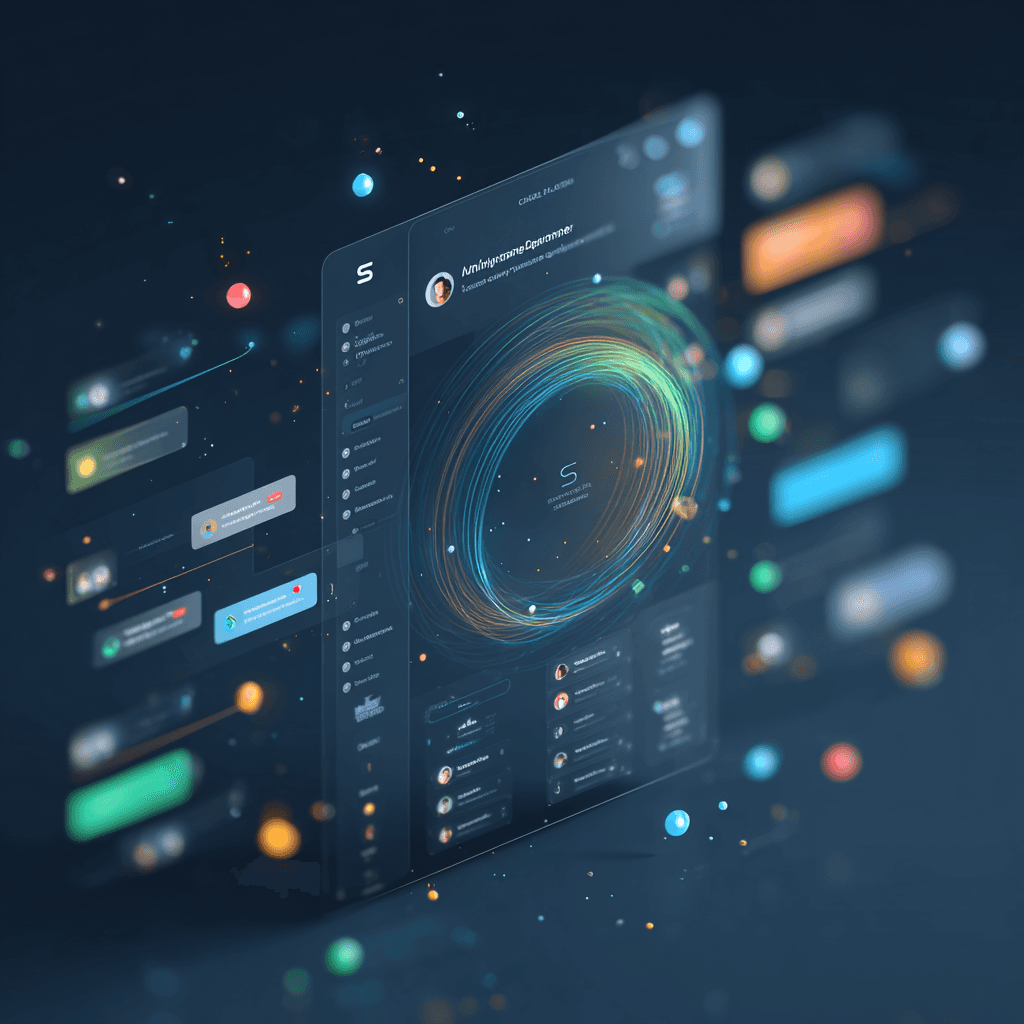
A voice-first AI assistant that runs on your Mac. Talk to it, and it talks back — with a British butler personality, dry wit, and an audio-reactive particle orb straight out of the MCU.
NOVEMBER connects to Microsoft Outlook (calendar, mail, and notes), Apple Messages, and Spotify. It can browse the web, spawn Claude Code sessions to build entire projects, update its own codebase by voice, and plan your day — all through natural voice conversation.
"Will do, sir."
Author
Built by Alex Imperiale.
Powered by Anthropic Claude and Fish Audio.
Inspired by the AI that started it all — Tony Stark's JARVIS.
Disclaimer: This is an independent fan project and is not affiliated with, endorsed by, or connected to Marvel Entertainment, The Walt Disney Company, or any related entities. The JARVIS name and character are property of Marvel Entertainment.
What It Does
Core
Voice conversation — speak naturally, get spoken responses with the NOVEMBER voice
Audio-reactive orb — a Three.js particle visualization that pulses and deforms with NOVEMBER's voice
Sees your screen — knows what apps and windows are open for context-aware responses
Productivity
Reads your Outlook calendar — "What's on my schedule today?" / "Any upcoming meetings?"
Reads your Outlook email — "Any unread messages?" (read-only by design)
Reads and creates Outlook Notes — save ideas, plans, and lists by voice
Manages tasks — "Remind me to call the client tomorrow" with priorities and due dates
Remembers things — "I prefer React over Vue" (persists across sessions)
Plans your day — combines calendar events, tasks, and priorities into an organized plan
Communication
Sends iMessages — "Text John that I'm running late" — sends via Apple Messages
Reads iMessages — "What did Sarah say?" — reads recent conversation back to you
Checks unread texts — "Any new messages?" — lists who's waiting
Music
Controls Spotify — play, pause, skip, go back, shuffle, adjust volume
Searches and plays — "Play something by Drake" / "Play Blinding Lights"
Track awareness — "What's playing?" gives you artist and song name
Development
Builds software — "Build me a landing page" spawns Claude Code to write and run the project
Browses the web — "Search for the best restaurants in Austin" opens Chrome
Deep research — Claude Opus browses the web and outputs a formatted HTML report
Works on projects — "Jump into my-app and check for improvements" connects to any project
Updates itself — "Fix yourself" or "Add dark mode to yourself" — NOVEMBER uses Claude Code on its own codebase
Requirements
macOS (uses AppleScript for Outlook, Messages, Spotify, and Terminal integration)
Microsoft Outlook for Mac (calendar, mail, and notes)
Spotify for Mac (music control)
Python 3.11+
Node.js 18+
Google Chrome (required for Web Speech API)
Anthropic API key — powers the AI brain (get one here)
Fish Audio API key — powers the voice (get one here)
Claude Code CLI — for spawning dev tasks (install here)
Quick Start (with Claude Code)
The fastest way to get running:
Claude Code will read the project's CLAUDE.md and walk you through setup step by step — API keys, dependencies, SSL certs, everything.
Manual Setup
Click the page once to enable audio, then speak. NOVEMBER will respond.
Configuration
Edit your .env file:
Voice Command Reference
Calendar & Email
Say | What happens |
|---|---|
"What's on my schedule today?" | Reads today's Outlook calendar events |
"Any upcoming meetings?" | Lists next events from Outlook |
"Check my email" | Reports unread count and recent senders from Outlook |
"Any unread mail?" | Same as above |
Messages
Say | What happens |
|---|---|
"Text John I'm running late" | Sends iMessage to John via Apple Messages |
"Message Mom happy birthday" | Sends iMessage to Mom |
"What did Sarah say?" | Reads recent iMessages from Sarah |
"Check my messages from Dad" | Same, for Dad |
"Any new texts?" | Lists all unread iMessage conversations |
Spotify
Say | What happens |
|---|---|
"Pause the music" | Pauses Spotify |
"Resume" / "Play the music" | Resumes playback |
"Skip this song" / "Next song" | Skips to next track |
"Previous song" / "Go back" | Goes to previous track |
"Volume up" / "Turn it up" | Increases volume |
"Volume down" / "Turn it down" | Decreases volume |
"Shuffle on" / "Toggle shuffle" | Toggles shuffle |
"What's playing?" | Reports current artist and track |
"Play something by Drake" | Searches Spotify and plays |
"Play Blinding Lights" | Same — any song or artist |
Development & Projects
Say | What happens |
|---|---|
"Build me a to-do app" | Spawns Claude Code to build and run a new project |
"Open Claude" | Opens a Terminal with Claude Code |
"Jump into my-project" | Connects Claude Code to that project |
"Check on the build" | Reports status of the most recent dispatch |
"Research the best JS frameworks" | Deep research with web browsing, outputs HTML report |
"Pull it up" | Opens the most recently built app in Chrome |
Self-Update
Say | What happens |
|---|---|
"Fix yourself" | Opens Claude Code inside the NOVEMBER project |
"Update yourself" | Same — lets you describe what to change |
"Update NOVEMBER" | Same |
"Add dark mode to yourself" | Runs Claude Code with that specific task |
Screen & System
Say | What happens |
|---|---|
"What's on my screen?" | Describes open windows and active app |
"Look at my screen" | Same — takes a screenshot and describes it |
"What apps are open?" | Lists running applications |
Tasks & Memory
Say | What happens |
|---|---|
"Remind me to call the client tomorrow" | Creates a task with due date |
"What's on my list?" | Reads open tasks |
"I prefer React over Vue" | Stores as a persistent memory |
"Save that as a note" | Creates an Outlook Note |
Architecture
Layer | Technology |
|---|---|
Backend | FastAPI + Python ( |
Frontend | Vite + TypeScript + Three.js |
Communication | WebSocket (JSON + binary audio) |
AI (fast responses) | Claude Haiku |
AI (deep work) | Claude Opus |
TTS | Fish Audio with NOVEMBER voice model |
macOS integrations | AppleScript (Outlook, Messages, Spotify, Terminal) |
Persistence | SQLite (memory, tasks, sessions) |
How the Voice Loop Works
You speak into your microphone
Chrome's Web Speech API transcribes your speech in real-time
The transcript is sent to the server via WebSocket
NOVEMBER detects intent — fast keyword match, or routes to Claude Haiku
Claude generates a response with optional
[ACTION:X]tagsActions are dispatched: Claude Code subprocess, AppleScript, Spotify, Messages
Fish Audio converts the response to speech with the NOVEMBER voice
Audio streams back to the browser via WebSocket
The Three.js orb deforms and pulses in sync with the audio
Background tasks (builds, research, lookups) notify you proactively when done
Key Files
File | Purpose |
|---|---|
| Main server — WebSocket handler, LLM integration, full action system |
| Microsoft Outlook calendar, mail, and notes via AppleScript |
| Apple iMessage send/read via AppleScript |
| Spotify playback control via AppleScript |
| SQLite memory system with FTS5 full-text search |
| Persistent Claude Code sessions for projects |
| System actions — Terminal, Chrome, Claude Code spawning |
| Playwright web automation |
| Multi-step task planning with smart follow-up questions |
| Tracks background build and research tasks |
| Screen capture and window awareness |
| Three.js particle orb visualization |
| Web Speech API and audio playback |
| Frontend state machine |
Action System
NOVEMBER uses [ACTION:X] tags embedded in LLM responses to trigger real system actions:
Tag | What it does |
|---|---|
| Spawns Claude Code to build a new project from scratch |
| Opens Chrome to a URL or search query |
| Deep research via Claude Opus, outputs an HTML report |
| Connects Claude Code to an existing project |
| Sends an iMessage via Apple Messages |
| Reads recent iMessages from a contact |
| Controls Spotify playback |
| Runs Claude Code against NOVEMBER's own codebase |
| Creates a new Outlook Note |
| Reads an Outlook Note by title |
| Creates a task with priority and optional due date |
| Stores a persistent fact about the user |
| Captures and describes the current screen |
The Interface
Orb — the glowing particle visualization in the center; reacts to voice, pulses when listening, swirls when thinking
Three-dot menu (top right) — Settings, Restart Server, Fix Yourself
Settings panel — enter API keys, test Outlook/Messages/Spotify connectivity, set your name
Mute button — toggles listening on/off
Restart Server — restarts the backend if something seems stuck
Fix Yourself — opens Claude Code in NOVEMBER's own project directory